 Your local job search

Integrations > Wisestep set up
Wisestep
CV-Library and Wisestep have integrated to allow users instant access to millions of fresh, quality CVs on CV-Library's database.
 Integrated with


Search CV-Library's CV Database via Wisestep
Follow these simple instructions to access millions of candidates from every sector across the UK in CV-Library's database, via your Wisestep account.
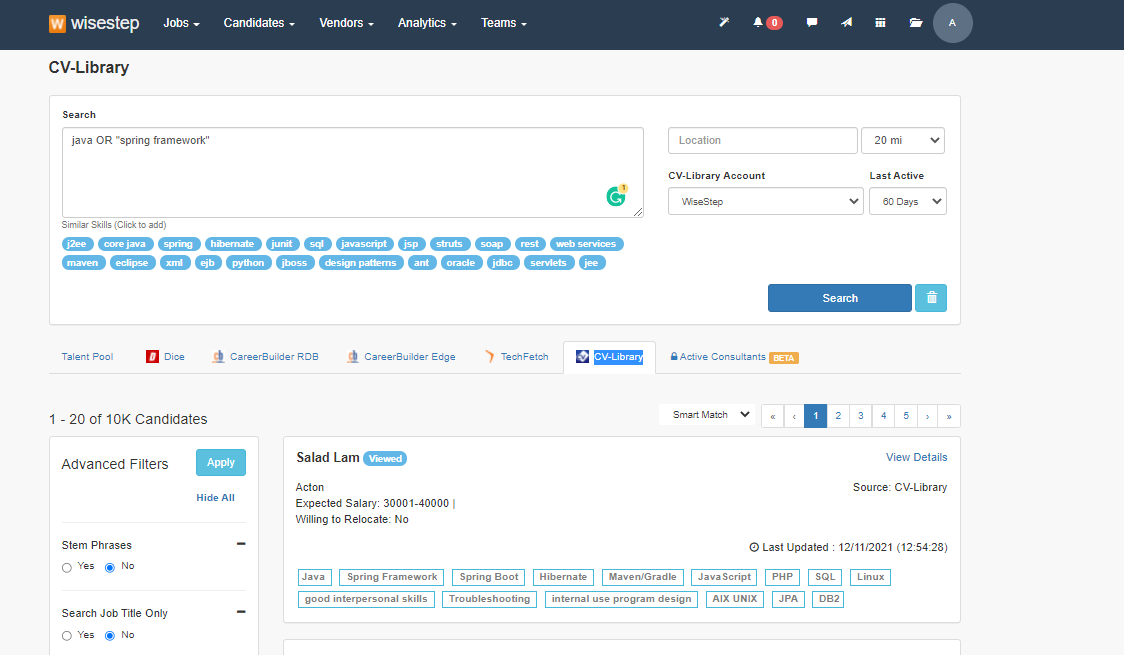
First, enter your search criteria and hit ‘Search’. The results can be found under the CV-Library tab. The default ordering is by Smartmatch (relevancy).
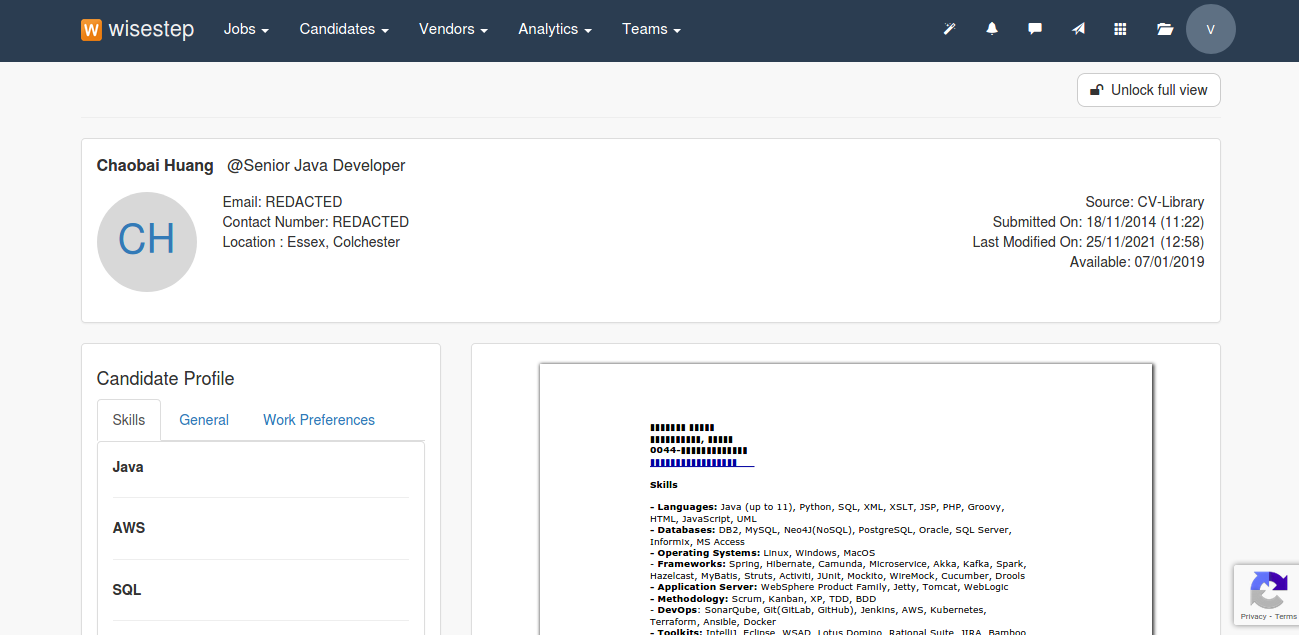
The full CV will be previewed in the redacted format. Use the ‘Unlock full view’ button to reveal the contact details.
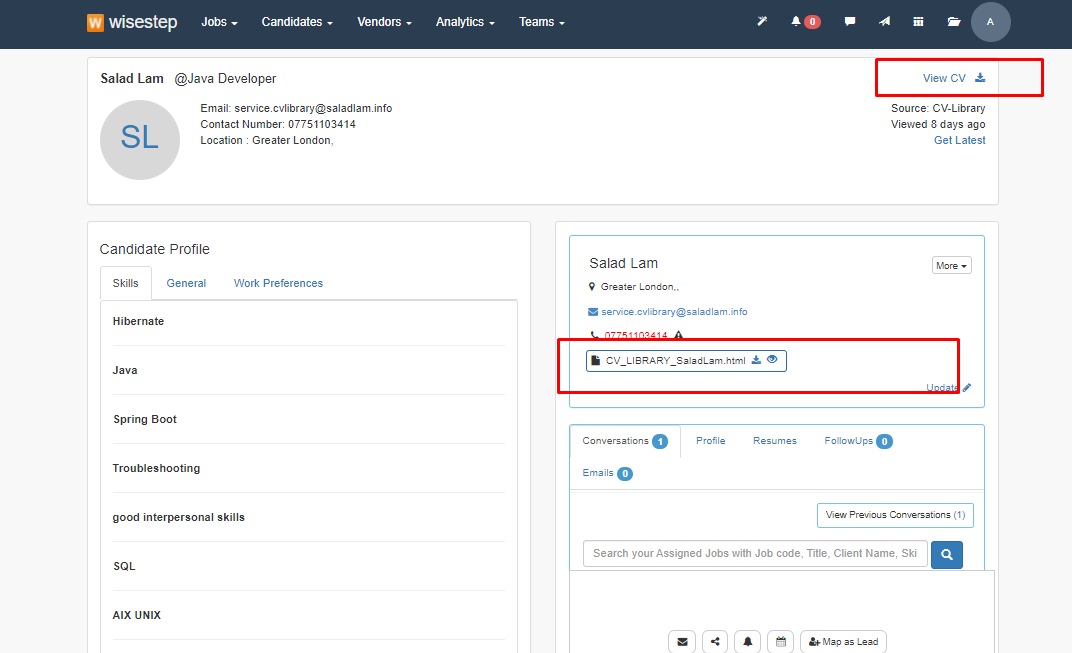
Click the "View CV" button, to unlock the details and create a candidate record in your talent pool.
You're done!
If you experience any problems, please call our team on: 01252 810995